
Modern
Legal Software
Built for Today's Busy Firms
Legal Software
Get started today with a free trial or personalized demo!
Manage your law firm's matters, get invoices out quickly, get paid on time, grow your firm, and gain deep business intelligence with our complete suite of easy-to-use legal software.
Proudly Featured in:







Steve Senentz
Clarie Law Offices, P.A.
Case Study: Clarie Law Office, P.A. 
Discover how 13-Member Clarie Law Offices improves productivity, captures more time, and increases billings with Rocket Matter.
“Our billable time has grown by a third, which has in turn increased our collections by as much as 25 percent”
Law Practice Software That Makes the Lives of Lawyers a Whole Lot Easier
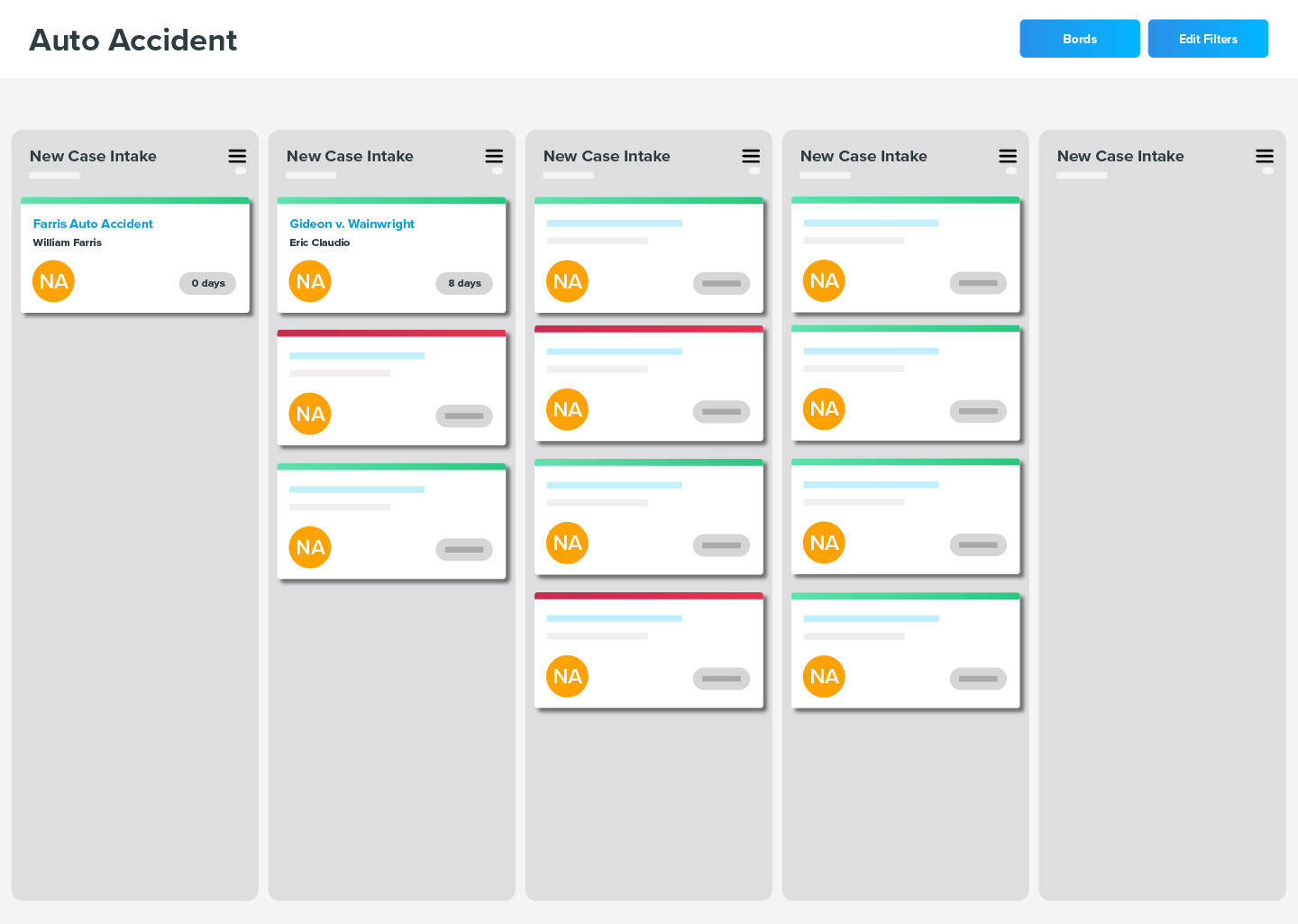
Robust legal case
management & reporting.
- Complete Access to Your Firm's Information
Imagine having all of your client & matter information in one place documents, emails, tasks, & billable activity in an easy-to-use interface. - Kanban Boards
View a visual status of all your cases with Kanban boards, which are built on top of Rocket Matter’s robust Legal Project Management platform. - Advanced Reporting and Analytics
Quickly build reports of actionable data you can rely on to help build a better practice.
Industry-leading time and billing functionality.
- Bill-As-You-Work™ Technology
Our intuitive time and expense capture screens are optimized for efficiency from anywhere within the application. And our multiple timers make tracking your time across matters a breeze. - Batch Billing and Bulk Editing
Complete your monthly billing in no time with batch billing and customizable billing rules. Rocket Matter also provides simple inline and bulk editing of invoices. - Trust Accounting Made Easy
Rocket Matter helps you keep your trust accounts straight in a simple and straightforward way.

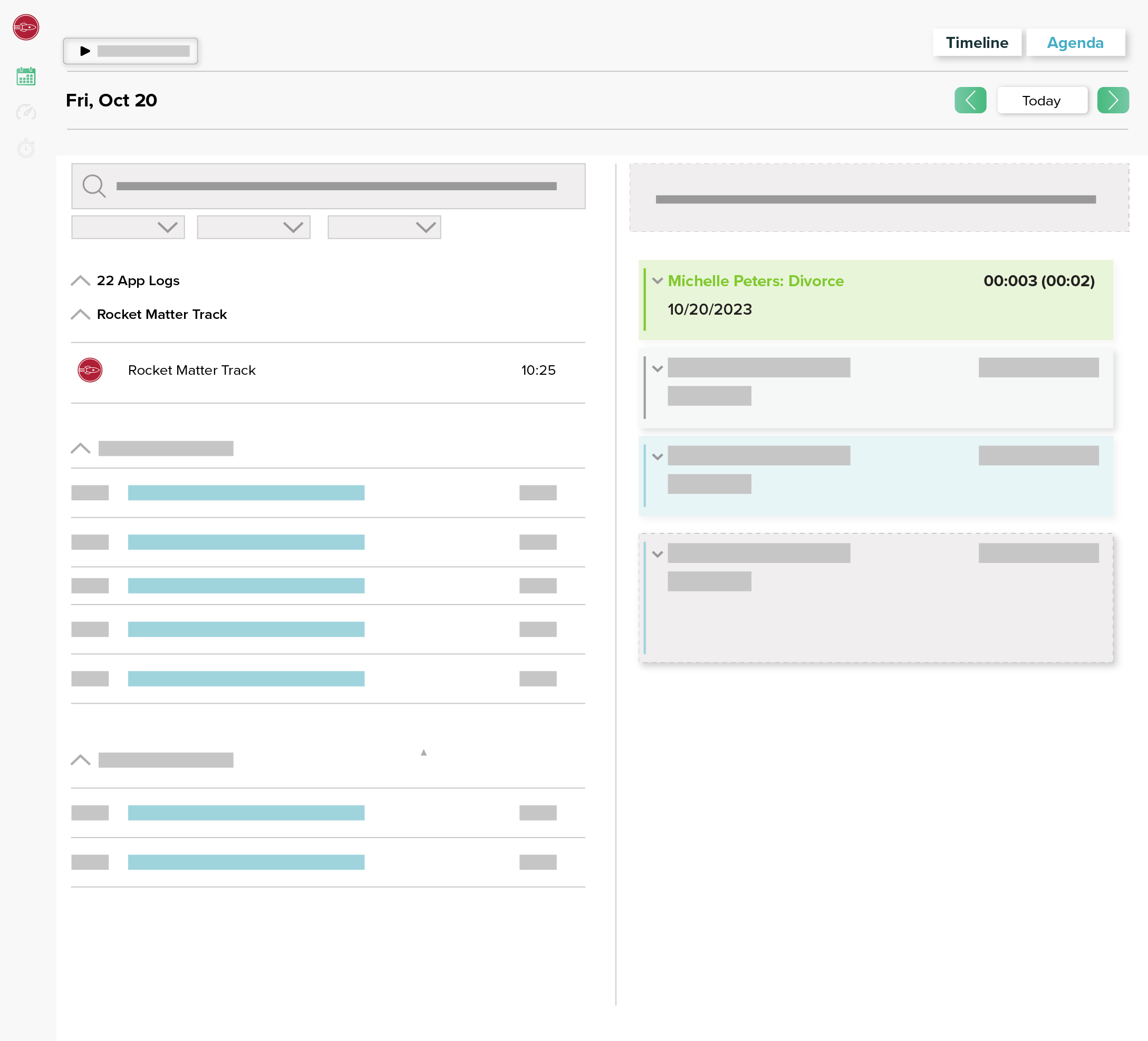
Rocket Matter Track: Revolutionary timekeeping increases billings -- up to 50%
- New Industry-Bending Method to Automatically Track Time and Productivity
Eliminate billing “leakage” and get those hours on the invoice. Studies show that making time entries from memory can leave as much as 50% of your time on the table – & off the invoice! Rocket Matter Track revolutionizes how you track your productivity as it monitors ALL your computer activity automatically in the background – as you go about your business writing emails, doing research on the Web, creating documents & more. And you control exactly what it can and cannot track. - Resolve Client Disputes
Rocket Matter Track provides detailed reports to back up your invoice amounts with comprehensive, down-to-the-minute documentation. This can help clients see just how much time is involved on their case work and answer their questions about fees. - Stop Wasting Time on Data Entry
The amount of time spent on manual time entries adds up – to hundreds of hours in a year. Rocket Matter Track automatic timekeeping frees you up to spend those hours on billable tasks & take on more cases.
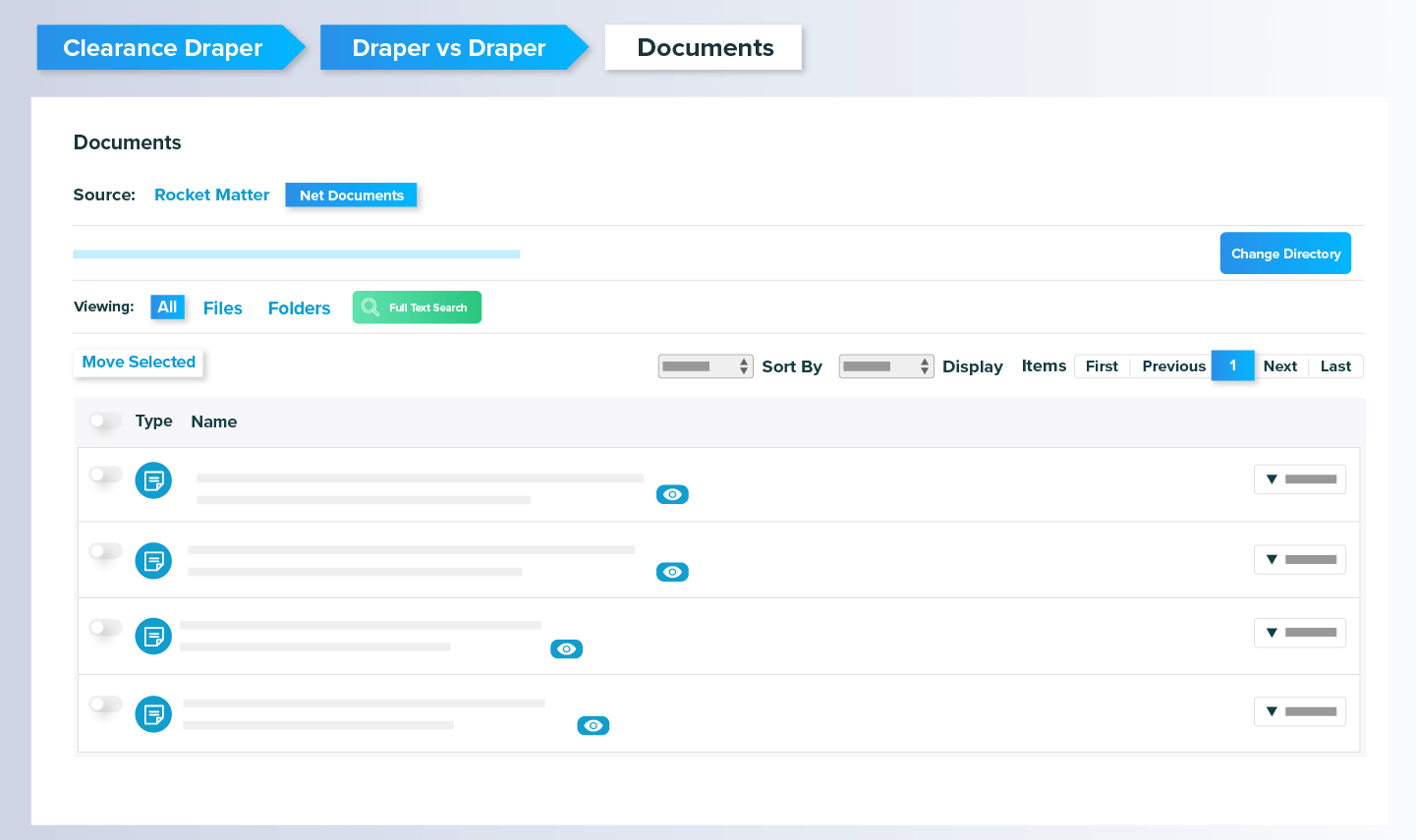
Tools for serious document
professionals.
- Unlimited Email, PDF, and Word Document Storage
Store all the documents you want, organized by matter alongside other case information for convenient access. - Document Assembly
Quickly and easily create legal documents and store them within Rocket Matter. You can also add billable time to your documents as you create them. - Two-Way Document Sharing
Send documents to your clients with just a few clicks. You can also securely request documents from your clients that upload directly into your matters.
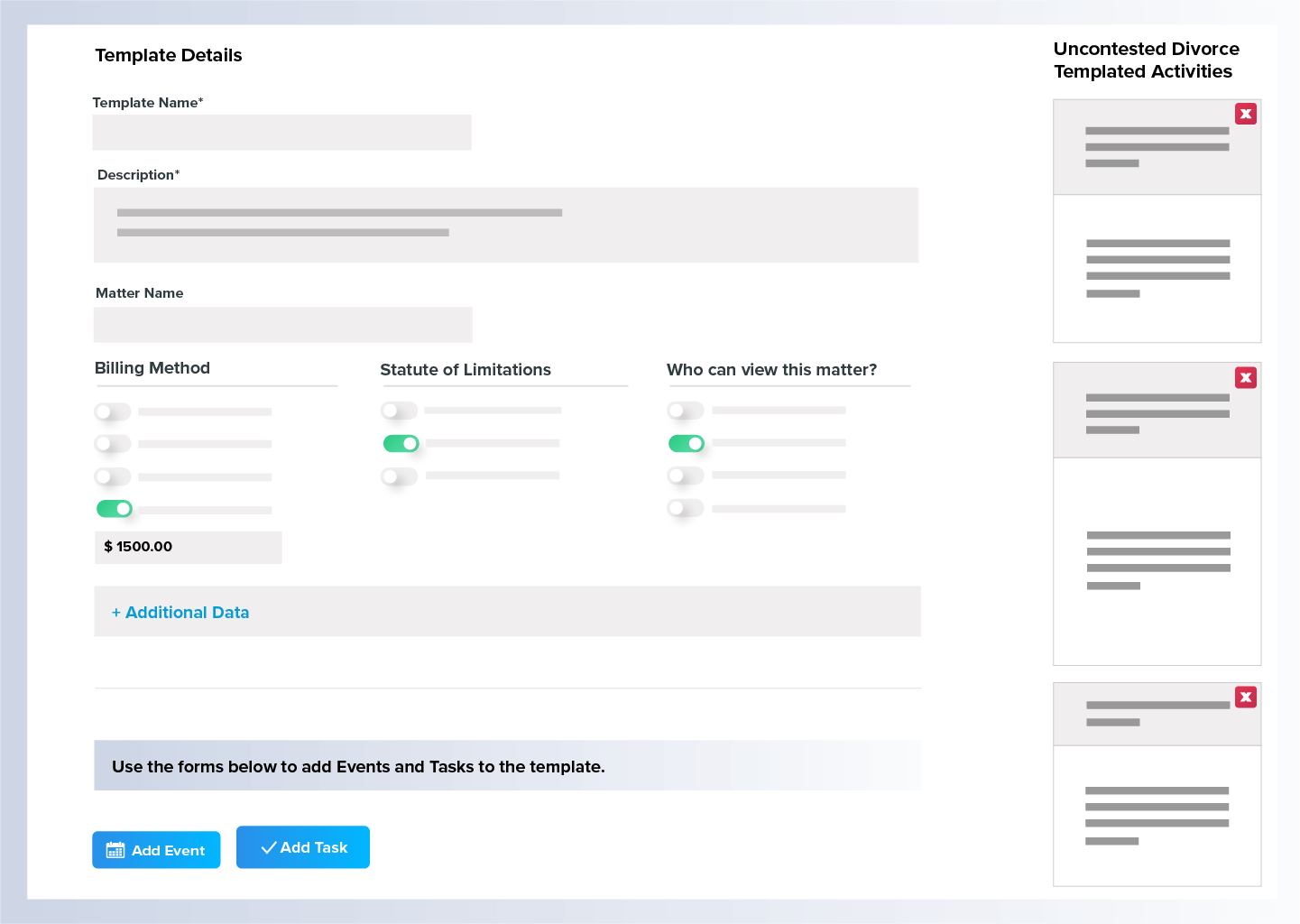
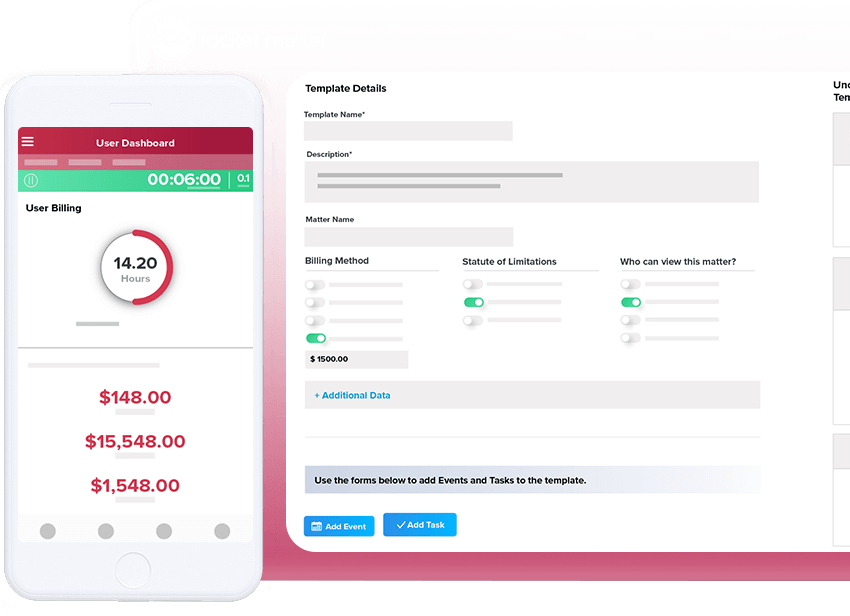
Powerful workflows and automation to simplify your life and boost revenue.
- Legal Project Management
Easily create workflows and transition between different phases of a case. There is no reason to ever miss a deadline ever again! - Matter Templates
Create your own parameters for tasks and events and apply them automatically to whichever cases you select. - Automated Billing
Your prebills & invoices can run on schedule. No need to spend days doing billing! Let Rocket Matter do it for you.
Online invoicing & lightning
fast payments.
- Streamlined Invoicing
Send your invoices out online via PDF. Clients can pay immediately with credit cards or eChecks. - Alternative Fee Arrangements
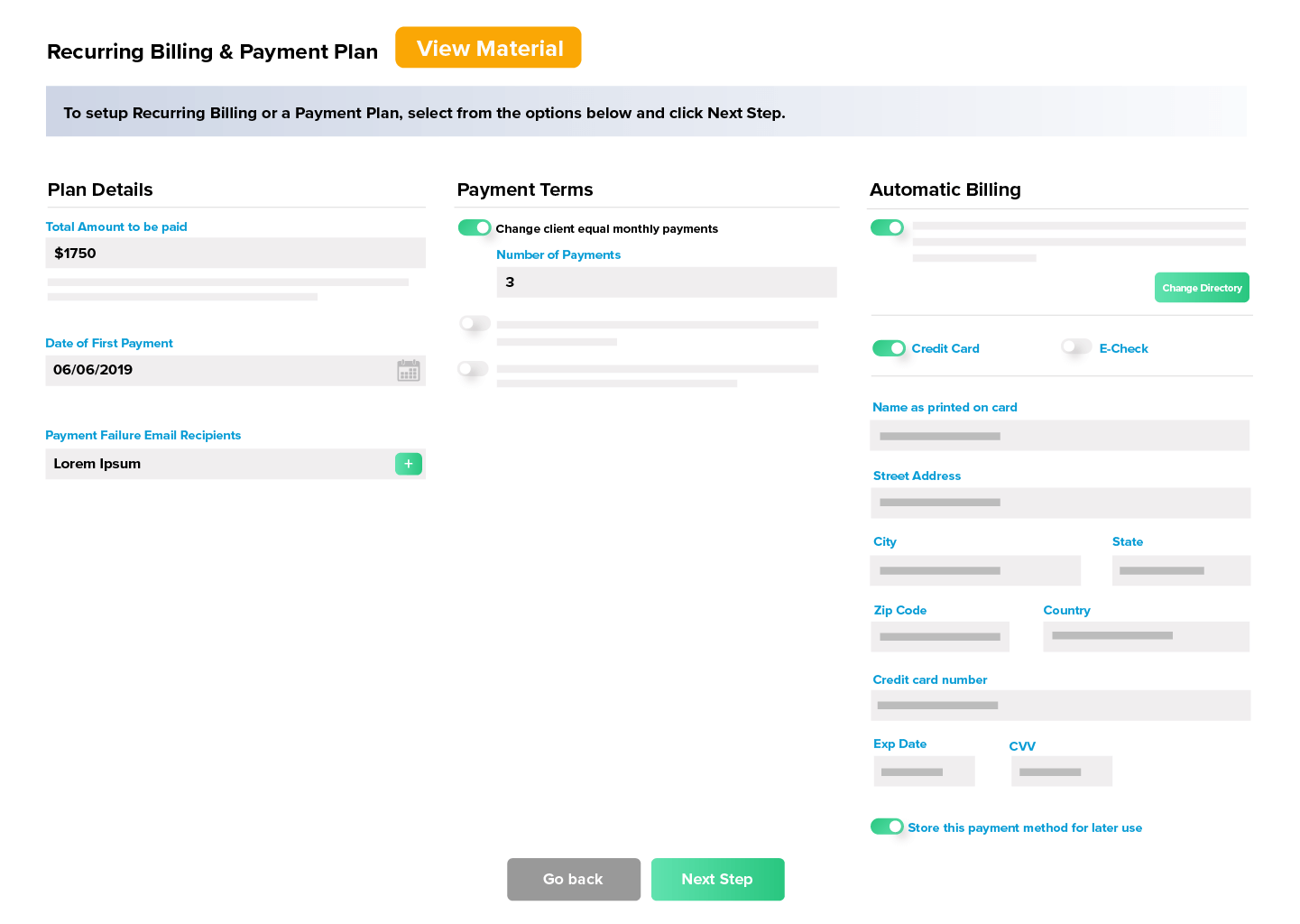
Set up automated recurring billing, payment plans, & evergreen retainers so your clients have more ways to pay. - No Hassle Collections
Our integrated electronic billing makes it easy to collect payments from your clients. Get paid the same day!
Rocket Matter Pay: Rapid, secure and easy-to-use payments solution
- Full payment integration
Accept and manage your payments in the same place you manage your invoices. Don’t waste time clicking in multiple systems. - Get Paid Faster
Some payment processors hold your funding for days before it’s released to your account. With Rocket Matter pay, your account gets funded in as little as 12 hours! - No-Hassle Payment Plans and Recurring Billing
Save time and maximize cash flow with automated payment plans and recurring billing. No more manual payment collection or setting up plans in other systems and trying to reconcile.
Swiftly share, request, and collect signatures
- Easily send and receive files within Rocket Matter
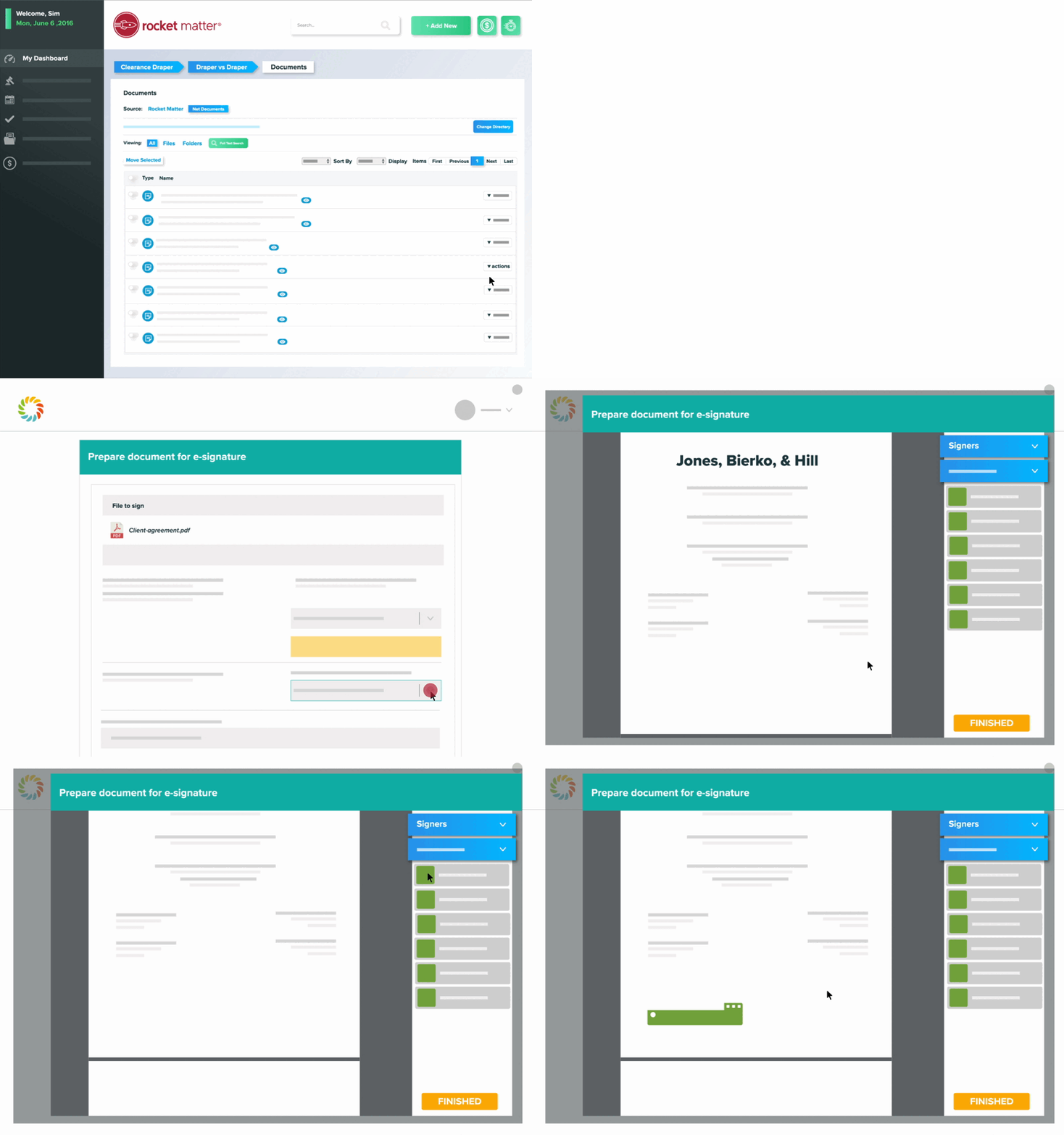
With our innovative file-sharing and e-signature service, powered by Imagineshare, users can securely request, send, and receive legal documents—without the need for a client portal. - Get client signatures faster
Streamline the process of gathering client signatures with one-click e-signature links directly from within the software. Clients can open and sign important documents from their phone, tablet, or desktop. - Provide high-level security for your clients
Add custom signature templates to any PDF document, then send them to clients along with instructions and a secure link to upload files back into Rocket Matter. Get peace of mind with our robust security through customized security Q+A and expiring access deadlines.
Practice Management Software for Firms of All Sizes

Solo law firm
When you run a solo law firm, you’re serving as every department every day. You don’t have a second to waste. Rocket Matter reduces the busywork of your practice so you can build your practice, increase your profitability, and focus on the most important thing: serving your clients.

Small law firms
Small firms have to make a lot happen—with fewer employees. Rocket Matter offers tools to gain control over your client and case information to stay efficient, bring in revenue, and deliver high-quality legal services.

Mid-sized and large law firms
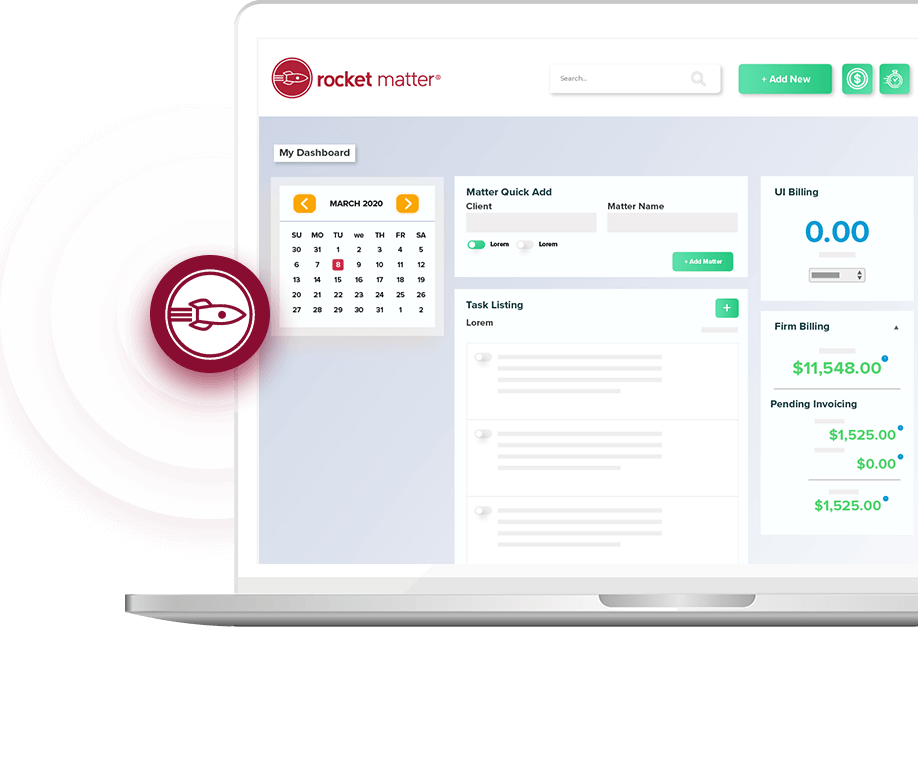
When a lot of people are working on many matters, it’s easy to overcomplicate workflows. Modernize your communication with Rocket Matter’s powerful automation tools and comprehensive dashboards.

Rocket Matter Helps You Take Care of All of Your Firm's Needs in One Unified Platform:
- Matter Management
- Time and Billing
- Online Payments
- Trust Accounting
- Conflict Checking
- Document Storage
- Contacts and Calendaring
- Advanced Customizations
- Sophisticated Reporting
- Matter Templates
- Document Assembly
- Two-Way Document Sharing
- Integration with Outlook, QuickBooks Online, & Dozens of Other Applications
- Advanced Billing with Interest, Discounts, Taxes, and Much More!
Stevie Winner for Sales & Customer Support Since 2015






Trusted by Law Firms Since 2008 for Unparalleled Product & Service
Testimonials
"Overall, my experience with Rocket Matter has been very successful in navigating through the website and it is pretty self explanatory which helps when training new employees comes up. The ease in using this software makes working to track time spent on cases flawless."

Brittany Grey
The Peterson Law Firm

Peter Cruice
Sinsheimer & Associates